JS Minifier
Paste a script, press Minify, and the tool removes comments and the spaces around brackets, operators and punctuation. You get a compact copy with character counts on both sides and the percent saved.
Updated · by the Linkstonic team
What the minifier strips
The tool runs four regular-expression passes over your code. It doesn't parse JavaScript, so it can't tell a comment from a string that looks like one. Read these before you trust the output.
Line comments
Everything from // to the end of the line is deleted first. That includes // inside strings and regular expressions, so "https://example.com" loses everything after https: and the rest of that line with it. Any script with a URL in a string will break.
Block comments
Anything between /* and */ is removed, across lines. License headers like /*! ... */ go too, even though most production minifiers keep them. Put required license text back by hand.
Whitespace runs
Two or more spaces, tabs or line breaks become a single space. A lone line break survives. So code that relies on automatic semicolon insertion can break if the next line was indented, because the break becomes a space.
Spacing around symbols
Spaces next to { } ; : , = + - * / < > ! & | ? ( ) are removed. This also happens inside string literals, so 'Hello, ' becomes 'Hello,'. It can also merge operators: a - -b turns into a--b, which is a different expression.
What it leaves alone
Variable and function names stay as written. There's no dead-code removal, no constant folding and no shortening of true to !0. That's why savings sit mostly in comments and indentation, and why a real minifier like Terser usually cuts much further.
The percent saved
Calculated as 1 minus output length over input length, rounded. It only appears when the result is shorter. It compares characters, not gzipped bytes, so the real transfer saving on a compressed server is smaller.
A small script that breaks
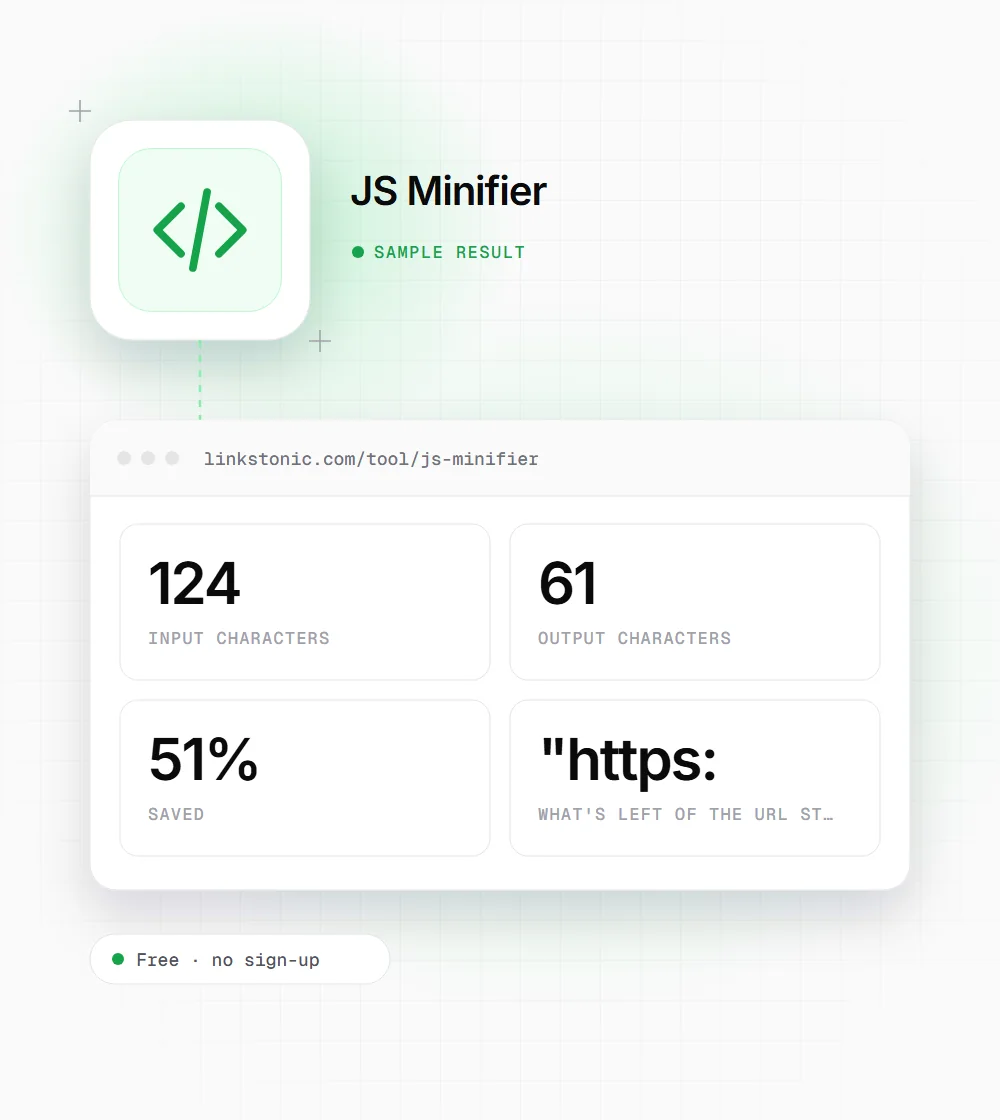
Five lines with a block comment, a URL in a string, a trailing line comment and a greeting. We ran it through once and read the result closely.
/* Build the API link */
const base = "https://api.example.com"; // prod
function greet(name) {
  return 'Hello, ' + name;
}The // in the URL was read as a comment, so the string, its closing quote and the semicolon all vanished. The 51% saving looks great until you run the code and get a syntax error.
When a quick strip is fine
Pattern-based trimming has a narrow but real place. These are the cases where we'd still use it.
Bookmarklets
A bookmarklet has to fit on one line in the browser's URL field. Short scripts without URLs or tricky strings minify cleanly, and you can test the result by clicking the bookmark right away.
Tag manager snippets
Small custom HTML tags in Google Tag Manager often carry long comments from whoever wrote them. Stripping those shortens the container, as long as the snippet doesn't include URLs inside strings.
Learning what minifiers do
Comparing input and output shows plainly which characters JavaScript needs and which are only for humans. The failure cases above are a good lesson in why real minifiers parse code first.
Inline scripts in email or CMS fields
A small inline script pasted into a CMS field that rewraps text can break at the line ends. A one-line version survives better. Keep it to simple code without URLs in strings, and test the page after saving.
Use a real minifier for anything that ships
I'll be blunt: for production code, run Terser, esbuild or the minify step in your bundler. They parse the code into a syntax tree, so strings, regexes and template literals stay intact, and they rename local variables, which is where the big savings come from. This tool can't do either.
The quick minifier earns its place on tiny, simple scripts where you can test the output in seconds. Scan for URLs in strings, comment-like text in regexes, and code without semicolons before you paste. If any of those are present, fix the input or use a proper tool.
For SEO, the size of your JavaScript matters mostly through load and interaction speed, which Google measures with Core Web Vitals. Crawlers for AI answers such as ChatGPT and Perplexity often don't run JavaScript at all, so content that only appears after a script runs may never reach them. Shipping less script, and putting key text in the HTML, helps more than shaving comments.
Checks before you paste the output
Two minutes of checking stops a broken script reaching a live page.
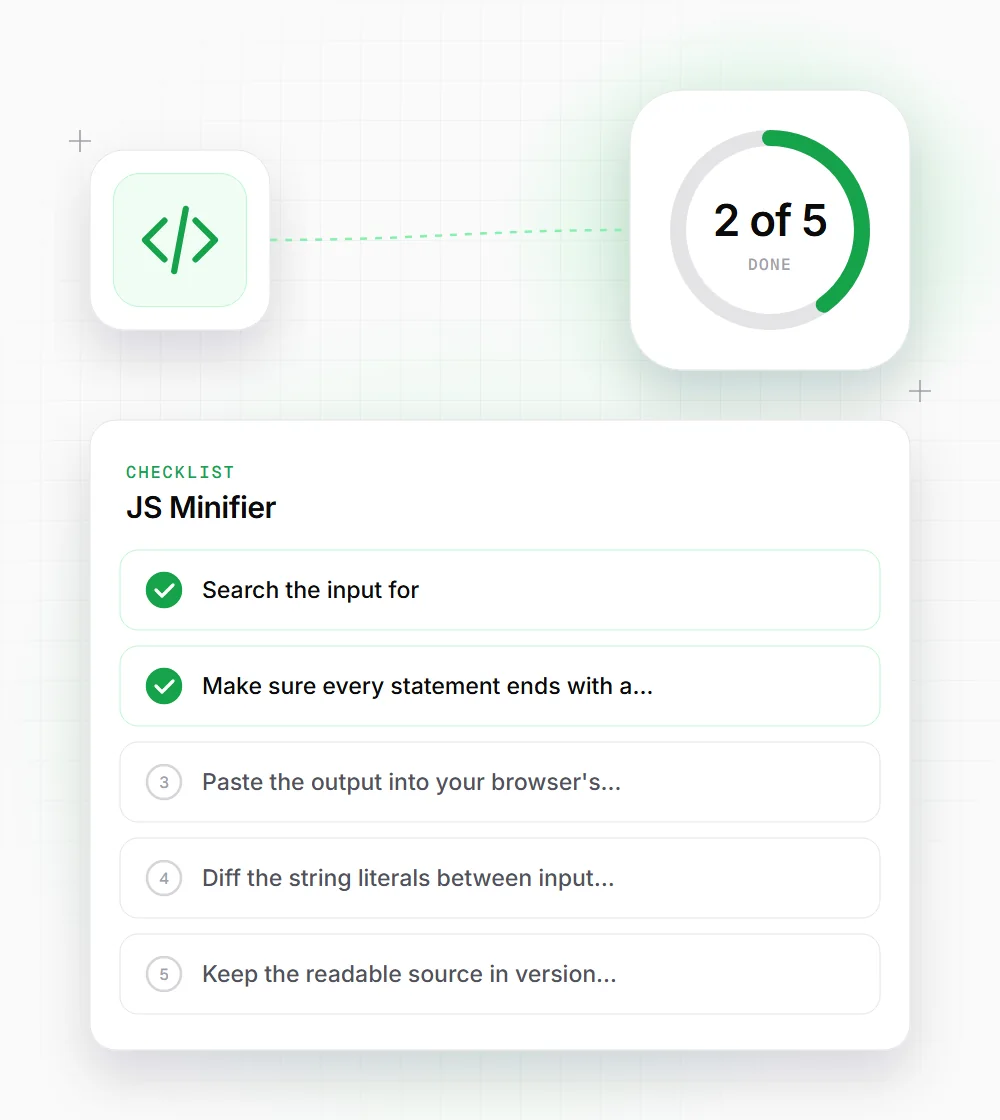
- 01
Search the input for :// before minifying. If a URL sits inside a string, split it as "https:/" + "/example.com" or use a real minifier.
- 02
Make sure every statement ends with a semicolon, since collapsed line breaks can join two statements into one.
- 03
Paste the output into your browser's console first. A syntax error there is much cheaper than one on a live page.
- 04
Diff the string literals between input and output. Any string with a comma, colon or operator inside may have lost a space.
- 05
Keep the readable source in version control and treat the minified copy as disposable.