CSS Minifier
Paste CSS into the left box, press Minify and the compacted version appears on the right with a copy button. Both boxes show a character count, and the output side tells you what percentage you saved.
Updated · by the Linkstonic team
The four passes it makes
This is a lightweight, pattern-based minifier. It runs four find-and-replace passes over your CSS. Knowing them tells you what it will and won't touch.
Comments go
Everything between /* and */ is removed, including license banners marked /*! that some build tools keep. If a comment has to stay for legal reasons, add it back to the top of the output by hand.
Whitespace collapses
Any run of two or more spaces, tabs or line breaks becomes a single space. A lone space or single line break is left alone unless it sits next to punctuation, so values like "12px 24px" keep the space they need.
Punctuation tightens
Spaces are removed on both sides of { } ; : , > ~ and +. So ".nav > a" becomes ".nav>a" and "color: red" becomes "color:red". The minus sign is not on that list, which matters inside calc().
Last semicolon drops
A semicolon right before a closing brace is removed, since CSS doesn't need it. "{color:red;}" becomes "{color:red}". That saves one character per rule, which adds up on large stylesheets.
Percent saved
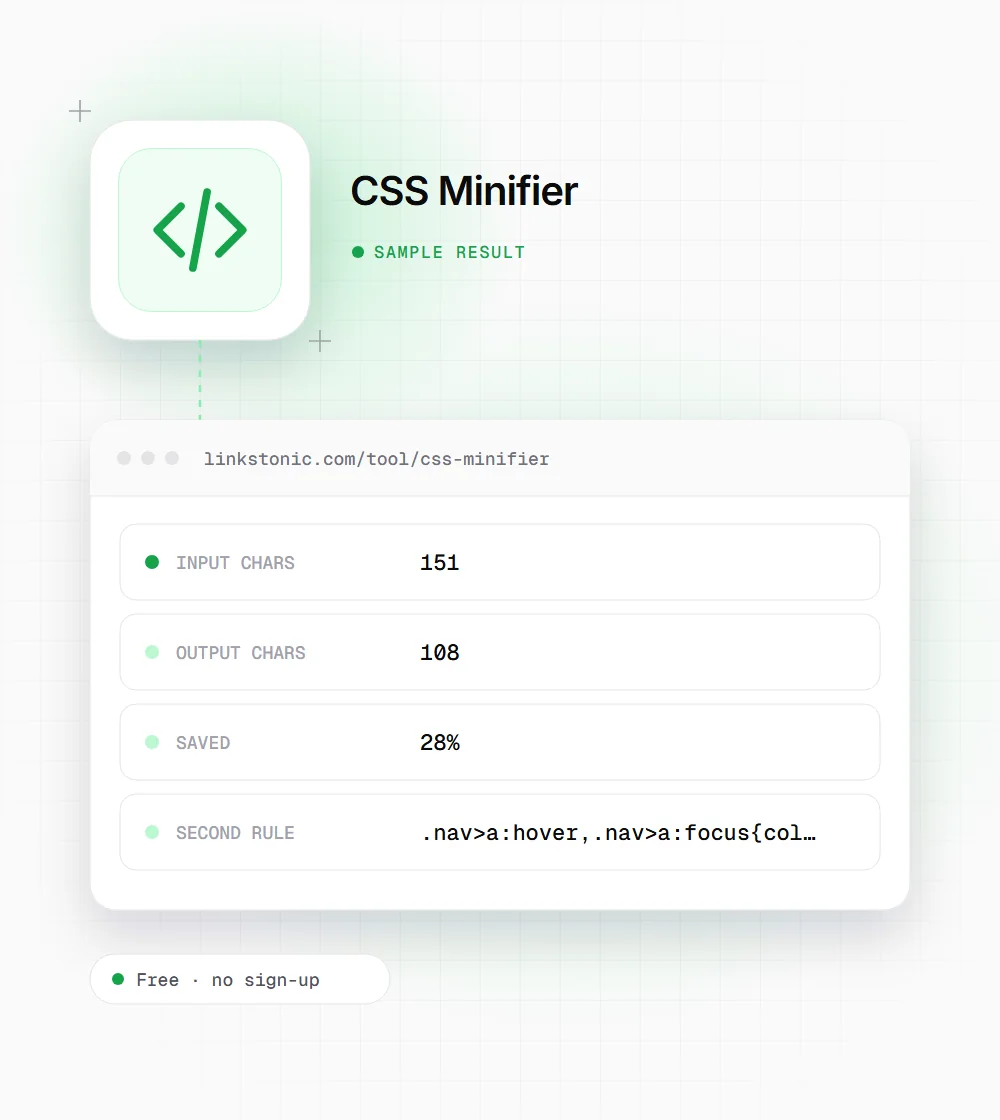
The saving is 1 minus output length over input length, times 100, rounded to a whole number. It only appears when something was actually saved. It counts characters, not gzip bytes, so the real transfer saving on a compressed server is smaller.
What it leaves alone
It doesn't shorten colors (#ffffff stays as is), drop zero units, merge duplicate rules or remove unused selectors. The tool's own note points to cssnano or PostCSS for that deeper work in a production build.
A small stylesheet, before and after
We minified this 11-line snippet. The numbers below are what the tool shows, worked out from its four passes.
/* Header */
.site-header {
  display: flex;
  padding: 12px 24px;
  width: calc(100% - 48px);
}

.nav > a:hover,
.nav > a:focus {
  color: #1a73e8;
}
The calc() survived because the tool never touches spaces around a minus sign. Write calc(100% + 48px) instead and the plus rule turns it into calc(100%+48px), which browsers reject.
Who it's handy for
A quick minifier fills the gap when there is no build pipeline, or when you only need to shrink one file.
WordPress and CMS site owners
Custom CSS pasted into a theme's Additional CSS box ships exactly as typed. Minifying it first trims the page a little, and you keep the readable copy in your notes for the next edit.
Email and landing page builders
Some email platforms and page builders have size limits on custom code blocks. Stripping comments and spacing can get a stylesheet under the cap without rewriting it. Check the email in a couple of clients afterward, since some are picky about CSS.
Developers doing a quick check
Want a rough idea of how much of a stylesheet is comments and indentation? Paste it in and read the percent saved. If it is high, the file is a good candidate for a proper build step.
Minify, but don't expect miracles
Minified CSS loads a little faster, and CSS blocks rendering, so every kilobyte sits in the way of the first paint. That said, most servers already gzip or Brotli-compress stylesheets, and compression handles repeated whitespace very well. On a typical site the real transfer saving from minifying is a fraction of the percentage this tool shows. It still helps. It just isn't the thing that fixes a slow site.
The bigger wins are usually elsewhere: unused CSS from a theme or framework, several stylesheets that could be one, and render-blocking files that could load later. Lighthouse and PageSpeed Insights flag those under unused CSS and render-blocking resources, and fixing them tends to move Core Web Vitals more than minifying does.
Test the output before you ship it. Because this minifier works with patterns rather than a real CSS parser, a few edge cases can break: a plus sign inside calc(), a space before a pseudo-class like "div :first-child", or "/*" inside a content string. The content-string case is rare. The calc() one catches people all the time. Keep the original file as your source and treat the minified copy as a build output.
Getting clean output
A few habits avoid the edge cases that pattern-based minifiers trip over.
- 01
Keep the unminified file as the one you edit. Never try to hand-edit the one-line output.
- 02
Search your CSS for calc( before minifying. Any "+" inside needs checking in the output.
- 03
Watch for selectors like "a :hover" with a space. The space is removed and the selector changes meaning.
- 04
Re-add any required license comment at the top after minifying.
- 05
Load the page with the minified file and click around before you replace the live stylesheet.
- 06
If you minify several files, check the percent saved on each. A file that saves under 10% is already lean, so look for unused rules there instead.