More of the topic, less guessing
People Also Ask from the live SERP, plus Labs related questions. With two sources, fewer questions slip past you.
Related Questions pulls People Also Ask from the live SERP and related questions from DataForSEO Labs, sorts them into What, How, Why, Where, When and Who, and gives you a CSV to build FAQ pages and topic clusters from.
Sample question research for illustration
Google and AI answer engines tend to favor pages that answer the questions around a topic as well as the head term. This tool finds those questions and puts them in order.
People Also Ask from the live SERP, plus Labs related questions. With two sources, fewer questions slip past you.
Questions drop into What, How, Why, Where, When and Who buckets on their own, and a bar chart shows which intent wins.
Export to CSV and each row is a possible H2, FAQ entry or article of its own. Volume estimates tell you what to lead with.
People Also Ask from the live SERP and DataForSEO Labs related questions are fetched together, then merged into one tree grouped by intent.
Pulled from the search results your seed keyword shows right now.
DataForSEO Labs fills in questions the live SERP leaves out.
Estimates show which questions need their own section and which can sit in supporting copy.
Each question type suits a different kind of page. Open the bucket that matches what you're writing, or use All to see the whole list flat.
Definitions and explainers. Use them for glossary entries, "what is" guides and the opening of a pillar page.
Process and instructions. These belong in tutorials, step-by-step guides and checklists.
Reasons, trade-offs and opinions. Good material for thought leadership and the "why it matters" part of a guide.
Places, channels and locations. Usually a small bucket, but specific and easy to answer in a short section or FAQ.
Timing and frequency. Pair them with How content or answer them in a scheduling or best-practice section.
People, roles and audiences. They fit "who is this for" sections and pages written for one specific role.
Everything in one flat, unsorted list. Use it to scan the whole topic or export it in one go.
Type a topic and click Find questions. Labs related questions and live SERP PAA come back together.
Check the bar chart, then open the bucket that fits your angle: What for definitions, How for tutorials, Why for opinion pieces.
Export the CSV into your content calendar or brief. Clusters become FAQ sections, article H2s or pieces of their own.
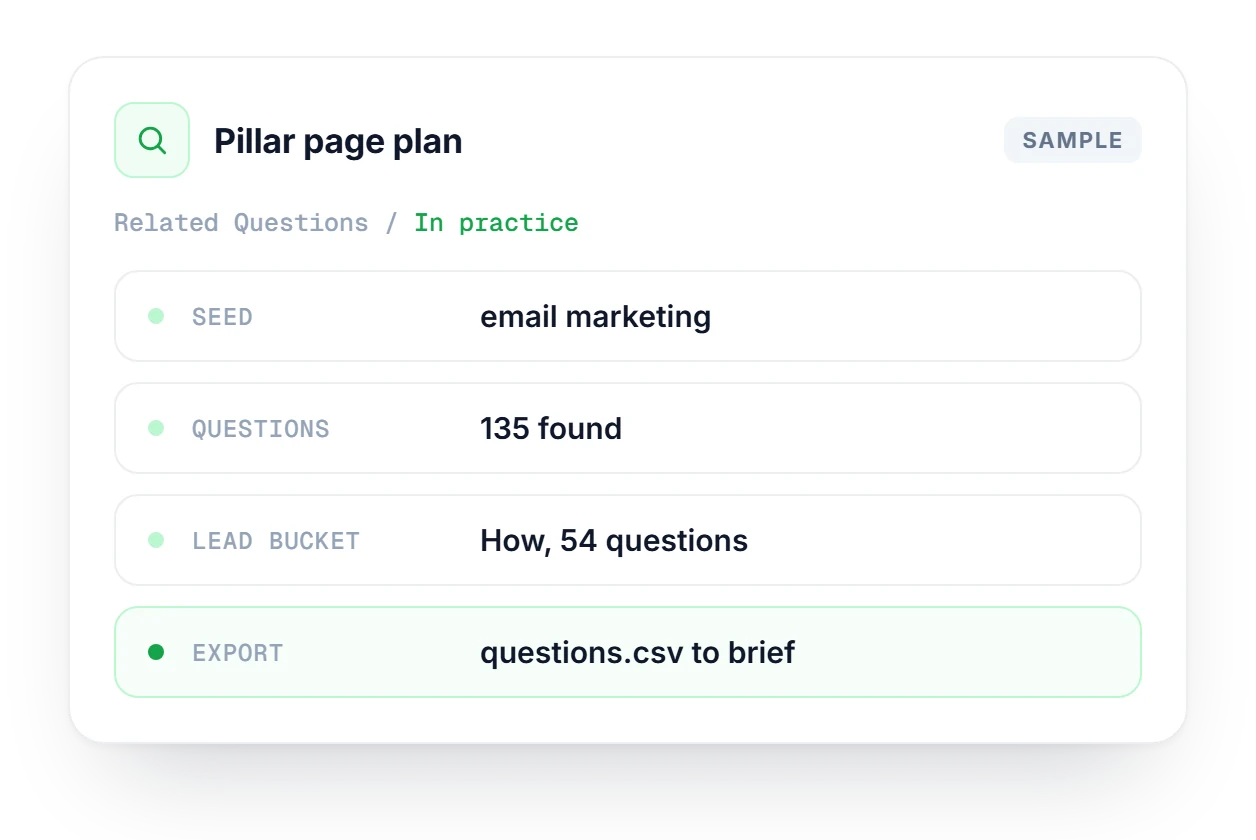
You're rebuilding the email marketing guide, so you type the seed and get 135 questions back, with People Also Ask and Labs results in one tree. How leads with 54 questions, so the page becomes a practical tutorial. You export the CSV, turn the top How questions into H2s and the small buckets into FAQ entries.
Where the questions come from and how to use them.
See which plan includes the full SearchIQ toolkit.
Compare plans →There are six: What, How, Why, Where, When and Who. You also get an All view, a flat, unsorted list of every question from both sources, which is useful when you want to scan the whole topic at once.
From two places. People Also Ask boxes are extracted from the live SERP for your keyword, and DataForSEO Labs adds related questions the SERP does not show. Both sets are merged into one question tree.
Not yet. Searches currently run in US English by default (locationCode 2840, languageCode en). More market options are on the roadmap, so for now read the results as a US English view of the topic.
Import the CSV into your content calendar. Each row can become an H2 heading, an FAQ entry or an article of its own. Group the rows by bucket to plan topic clusters, and start with the questions that carry the most volume.
Keyword Explorer shows question clusters inside its network graph, next to volume and SERP data. Related Questions is a dedicated question-research tool: it groups questions by intent and exports them to CSV, which makes it quicker for FAQ and outline work.
Start free, no credit card needed. Enter a topic and get its related questions grouped by intent and ready to export.