Real prompts, with volume
Start from a seed keyword and get the prompts people type about your category, each with its own volume.
Enter a seed keyword and get the prompts people really type into ChatGPT and Gemini about your category. Each comes with its intent, the brands AI recommends by default, and a live answer on request.
 ChatGPT
 Gemini
 Perplexity Soon
Intent: All
Fetching…Get AI responseGet AI responseGet AI response
Perplexity Soon
Intent: All
Fetching…Get AI responseGet AI responseGet AI responseSample prompt research for illustration
Prompt research and live answers come from
ChatGPT
Gemini
Perplexity · soon
Prompts are longer and more specific than keywords, and they often name competitors. If you want to show up in the answers, start by seeing what the prompts look like and who wins them now.
Start from a seed keyword and get the prompts people type about your category, each with its own volume.
The intent radar shows whether your category leans informational, transactional or comparative. That tells you what kind of page to write.
The Top brands card counts which brands LLMs name across every prompt found, before you open any of them.
Click Get AI response on any row to pull a live answer for that exact prompt. You see who gets named, in what order, and whether you made the list.
Pull the live LLM answer right from the prompt table.
Live answers from both today. Perplexity is on the way.
High-volume prompts that leave you out are where your next pages should go.
ChatGPTGeminiSoonChatGPT● liveFor a mid-size ecommerce brand, these are commonly recommended:
Filter the table by platform, intent, brand mention or free text, then export what's left to CSV.
Show prompts from ChatGPT, Gemini or both. Perplexity already sits in the filter, marked as coming soon.
ChatGPTGeminiPerplexity SoonPick one or more intent types to match what you're building: comparison prompts for landing pages, informational ones for guides.
Filter for prompts where a given brand is mentioned, or where it isn't. That second list tends to become your content backlog.
Type a word to find prompts that mention a feature, an integration or a competitor.
Type your category keyword, say "customer data platform". Choose a market and language, then click Research.
Look at volume, the AI volume trend, the intent radar and top brands. Then go through the prompt table by platform or intent.
Pull a live AI response on any row, then export the CSV with intent labels, brand mentions and timestamps.
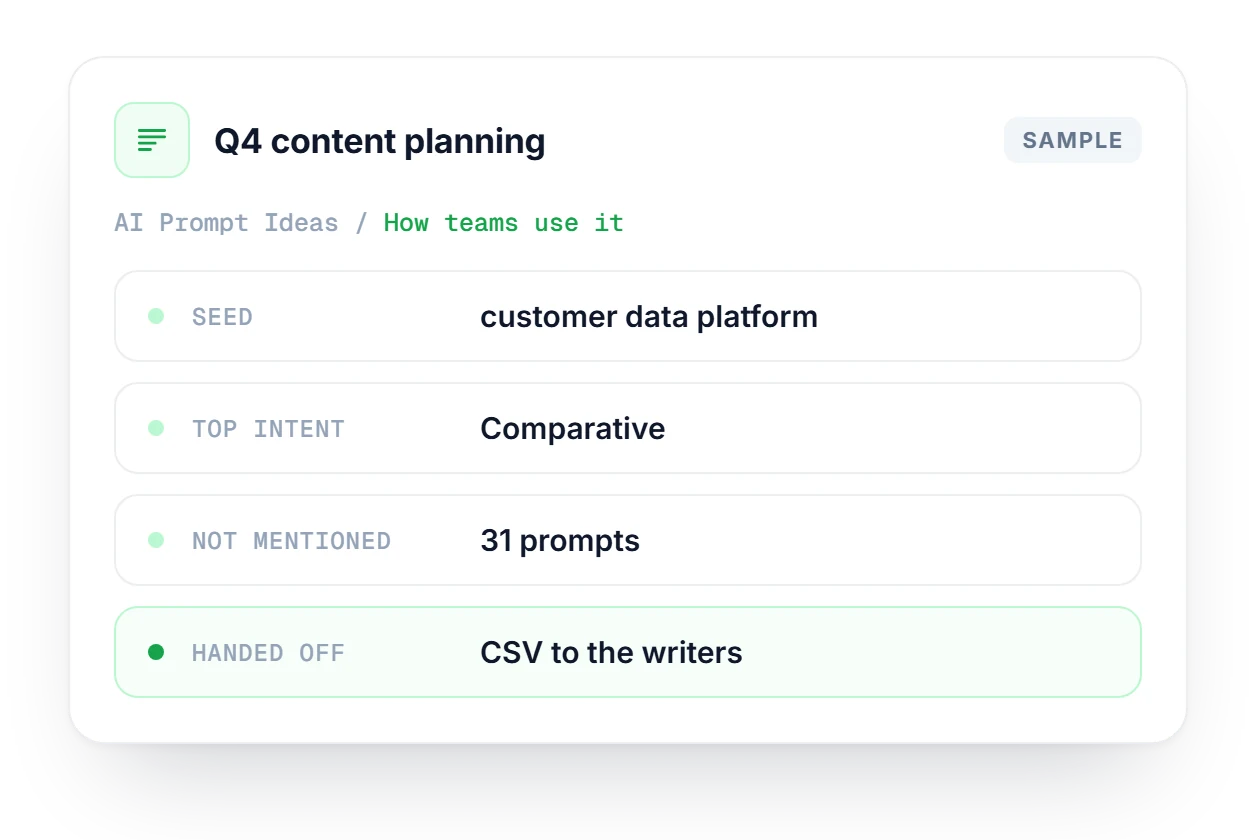
You're planning next quarter's content for a CDP, so you run "customer data platform" for the US. The intent radar leans comparative, so comparison and pricing pages go first. Filter to prompts where your brand isn't mentioned, look for integrations you support, and export the CSV for the writers. After publishing, rerun the seed to see if the list shrank.
How prompts are found, how intent is labeled and where live answers come from.
See which plan fits how much research you do.
Compare plans →Keyword Explorer researches traditional keywords and their Google and AI volume. Prompt Ideas finds the full, conversational prompts people type into AI engines. One tells you the topic, the other tells you how people phrase the question.
ChatGPT and Gemini both support live responses today, so you can fetch an answer from either one on any row. Perplexity is coming soon, and it already shows in the platform filter marked that way.
By the wording of the prompt. A heuristic reads the phrasing and sorts each prompt into informational, transactional, comparative or other, so "rival-one vs rival-two pricing" lands in comparative and "sign up for a free trial" in transactional.
Yes. The Top brands summary card shows which brands LLMs recommend by default across all the prompts found for your seed keyword, and how many times each one is named, including your own brand.
Start with the high-volume prompts where you're not mentioned. Write content that answers those prompts directly, in a format AI engines like to cite, and use the live response to check who you're up against.
Start free, no credit card. Enter your category and see what people ask AI and which brands it recommends.