Use what you already built
Copy the iframe src from Share → Embed report in Looker Studio and paste it into Linkstonic. The dashboard appears, and your data stays wired up the way it was.
Put the Looker Studio dashboards you already built next to your SEO and analytics tools, as read-only embeds. Paste an embed URL and the report shows up. You don't rebuild anything.
 GSC
GSC GA4BigQuery
Sample report for illustration
Your team already spends its day in Linkstonic. Put the Looker Studio dashboards they check every week in the same place, and leave the data where it is.
Copy the iframe src from Share → Embed report in Looker Studio and paste it into Linkstonic. The dashboard appears, and your data stays wired up the way it was.
Add as many reports as you need, say an organic dashboard, an executive summary and a client report. Each one opens in its own tab.
Date selectors and filters keep working, but nobody can edit your Looker Studio source from the embed. You can share it across the workspace without worrying.
BehaviorMind gives you native GA4 views without building a report. Looker Studio embeds are for the custom dashboards you already maintain. Plenty of teams use both.
BehaviorMindPurpose-built GA4 sections and AI modules.
The dashboards you built, shown inside Linkstonic.
GA4GSCGA4+ any Looker sourceQuick GA4 answers and AI referrer tracking with nothing to build.
See BehaviorMindThe custom, blended or client-specific dashboards you already look after.
Embed a reportIt all lives under Settings → Integrations → Looker Studio. Each report has a name, an embed URL and, if you want one, an external view URL.
The active report loads in a full-height iframe, the way you built it, with charts, filters and date selectors intact.
Stakeholders see the executive dashboards in the workspace they already use, without a separate Looker Studio login flow.
Add the report's view URL so anyone can jump to the original in Looker Studio when they need to.
In Looker Studio, open Share → Embed report and copy the iframe src URL from the embed code.
Go to Settings → Integrations → Looker Studio → Add report. Paste the embed URL and give the report a name.
Open Looker Studio from the sidebar. Your reports show up as tabs, and Manage lets you add or edit them whenever you like.
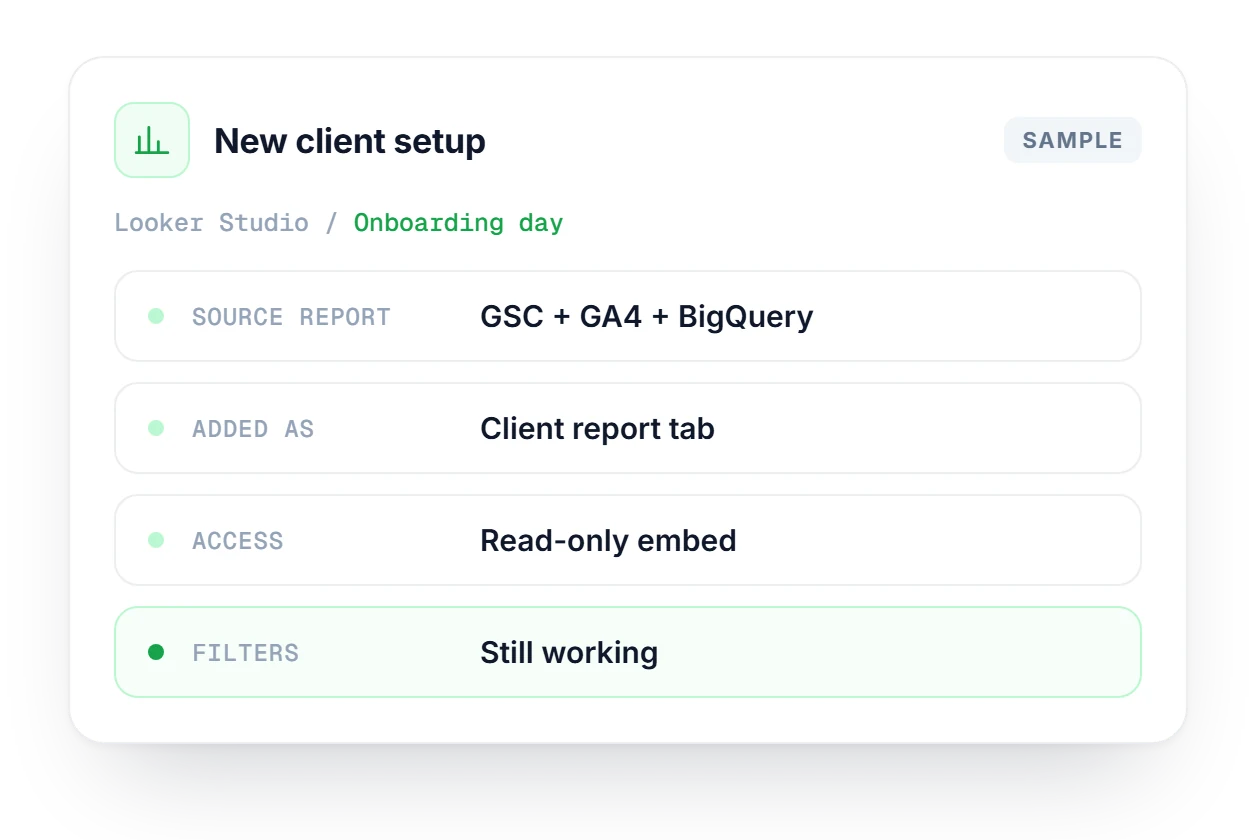
A new client's marketing lead has spent months on a Looker Studio report that blends Search Console, GA4 and BigQuery. Instead of replacing it, you copy the embed URL and add it in Linkstonic as a Client report tab. Your team checks it next to your own SEO tools, the client's date filters still work, and the embed stays read-only.
Native GA4 views with five sections and AI referrer tracking, and no report to build.
Explore BehaviorMindSearch Console analysis with no report to build: CTR gaps, cannibalization and page clusters.
Explore SearchMindLooker Studio is one of several connections. See how Linkstonic works with Search Console, GA4, Google Sheets and others.
See all integrationsWhat you need, what the embed can do, and how it differs from BehaviorMind.
Compare plans to see where Looker Studio embeds are included.
Compare plans →Yes. The report has to exist in Looker Studio first, because that is where you build it. Linkstonic only embeds it. It doesn't create the report, host the data or change anything about how it's set up.
Yes. Add as many embed URLs as you like, and each one gets its own tab on the Looker Studio page. A common setup is an organic dashboard for the team, an executive summary and one report per client.
Yes, it's a read-only view. People can still use the date selectors and filters in the report, but nobody can edit the source report from inside Linkstonic, so your original stays exactly as you left it.
Any source Looker Studio supports, including GSC, GA4, BigQuery, Google Sheets and 800+ connectors. Linkstonic embeds the finished report. The data pipeline behind it stays yours to build and maintain.
BehaviorMind is a built-in GA4 analytics view with AI modules, and you don't build anything. Looker Studio embeds are for dashboards you already made, when you need custom layouts, blended data or client-specific reports.
Go to Settings → Integrations → Looker Studio, or click Manage on the Looker Studio page. Each report has a name, an embed URL and an optional external view URL, and you can edit or remove it there.
Start free, no credit card needed. Paste an embed URL and your Looker Studio report shows up right inside Linkstonic.

